
I still remember refreshing the SSP dashboard at 11 pm, hoping the status would magically change from “Rejected” to “Approved.” It didn’t. My post-matric application had been sitting fine for weeks, and then one morning it just showed rejected, with a one-line remark that made no sense to me at the time: certificate not linked to a valid RD number.
If you’re reading this because your SSP Karnataka RD number rejected message just showed up on your dashboard too, take a breath. This isn’t a mistake you made with your marks or your bank details. It’s almost always something specific and fixable with your income or caste certificate — and I’ll walk you through exactly what I did to sort mine out before my deadline.
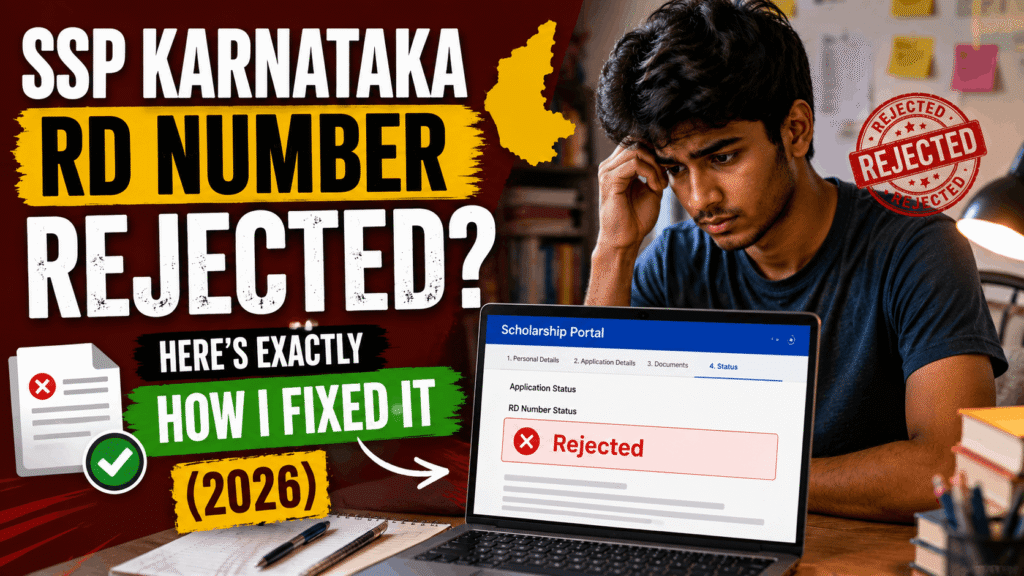
Table of Contents
What Is an SSP Karnataka RD Number Rejected Error, Exactly?
RD number stands for Registration/Revenue Department number — basically the unique tracking number your income or caste certificate gets the moment you apply for it through Karnataka’s Nadakacheri or Seva Sindhu system. It’s usually 15 digits and starts with “RD.” Since 2026, SSP checks this number against the Revenue Department’s own records before it accepts your certificate. No valid RD number scholarship Karnataka link, no acceptance — doesn’t matter how correct everything else on your form is.
Before this rule tightened up, a lot of students (including me, apparently) were uploading certificates that either predated the RD system or came from a print that didn’t carry the number clearly. The portal used to let that slide. Now it doesn’t.
Why Your Income or Caste Certificate Gets Rejected
Once I actually dug into it, my rejection wasn’t some rare glitch. An SSP Karnataka RD number rejected remark is honestly one of the most common SSP application rejected reason cases this year. Here’s what typically causes it:
- Old or offline certificate – issued before the RD-number requirement was enforced, so there’s nothing for SSP to verify against.
- Expired certificate – income certificates are usually valid for about a year, and I’d re-uploaded a copy that had quietly expired.
- Typo in the RD number field – one digit off and the portal throws a “no record found.”
- Mixed-up fields – this one got me. Your SSP caste certificate RD number and your income certificate RD number are two completely different numbers. I’d pasted my income certificate’s RD number into the caste certificate field without noticing, because I assumed one number covered both. It doesn’t. Each certificate is a separate Nadakacheri application with its own number.
If you’re specifically getting an SSP income certificate rejected message and your caste certificate is fine, it’s almost always one of the first three reasons above rather than the field mix-up.
How I Found My Correct RD Number
My first problem was that I genuinely couldn’t remember which RD number belonged to which certificate — I’d applied for both around the same time and only saved one screenshot.
Here’s what worked when the RD number not found SSP situation hit me:
- I logged into Nadakacheri using my Aadhaar-linked mobile number and OTP — no separate username or password needed, which honestly surprised me.
- Under my application history, both my income and caste certificate requests were listed separately, each with its own RD number and status.
- For the one I genuinely couldn’t trace, I used the Nadakacheri status check page and logged in with my mobile number and OTP instead of the RD number, which pulled up every service I’d applied for.
That’s when I realized my income certificate RD number was fine — it was my caste certificate that had never actually been approved, it was still sitting in “under verification.”
Step-by-Step: How to Get a Valid RD Number for Your Scholarship
If you’re starting from scratch or need a fresh certificate, this is the exact process I followed to actually get a working RD number the SSP portal would accept:
- Go to Nadakacheri or Seva Sindhu. Nadakacheri (nadakacheri.karnataka.gov.in) is the main revenue-services portal; Seva Sindhu is the alternate government channel that works the same way for most students.
- Log in with your Aadhaar-linked mobile number. You’ll get an OTP — no account creation required.
- Apply for the specific certificate (income or caste — remember, these are separate applications, so you’ll do this twice if you need both).
- Save the RD number the second it’s generated. It’s shown on the acknowledgment slip and also sent by SMS. I made the mistake of not screenshotting mine the first time and had to dig it up later through mobile-OTP login.
- Track the status at the Nadakacheri status page using either the RD number or your mobile number. It’ll show pending, under review, or approved.
- Once it shows “Approved,” go to the Print Certificate section, enter the RD number, and download the PDF. It’s digitally signed, so you don’t need a physical stamp for it to be valid — that part genuinely confused me the first time since I was used to certificates needing a signature.
Re-Submitting on SSP Without Getting Rejected Again
Once I had both valid, approved certificates, re-submitting was the easy part — as long as I was careful about where each number went.
- Double-check that the income certificate RD number Karnataka portal generated for you goes into the income certificate field, and the caste one goes into the caste field. Sounds obvious, but this exact mix-up is what got me rejected in the first place.
- Copy-paste the number directly from the acknowledgment slip or SMS instead of typing it out — one wrong digit and you’re back to “no record found.”
- Confirm the certificate hasn’t expired between the day you downloaded it and the day you’re submitting on SSP. A few weeks’ gap shouldn’t matter, but don’t sit on an old PDF for months.
- If you’re an SC, ST, or OBC student, remember the 2026 NSP OTR (One-Time Registration) requirement is a completely separate thing from your RD number — you need both, but fixing one won’t fix the other.
Still Rejected? What I Did Next
My caste certificate took a few extra days to clear “under verification” even after I reapplied, so if yours is stuck too, you’re not alone — processing times genuinely vary depending on your taluk office’s workload.
A few things that helped me while waiting:
- I reached out to my college’s Nodal Officer, since they can sometimes see more detail on why e-attestation or a certificate is stuck than what shows on the student side.
- For anything Nadakacheri itself couldn’t resolve online, my nearest Atalji Janasnehi Kendra was able to look into the specific application in person.
- I avoided reapplying for a brand-new certificate while the old one was still “under review” — that just creates a duplicate and slows things down further.
Quick FAQ
Why does SSP Karnataka show an RD number rejected error even when my details are correct? An SSP Karnataka RD number rejected error usually has nothing to do with your personal details — it means the certificate’s RD number either doesn’t exist in the Revenue Department’s records yet, is expired, or has been entered in the wrong field. Fix the certificate, not your form data.
Karnataka scholarship certificate rejected — what should I check first? Check whether your income or caste certificate actually has a valid, approved RD number attached, and confirm you’ve entered the correct number in the correct field on SSP. That combination covers most rejection cases.
Can one RD number work for both income and caste certificates? No. Each certificate is a separate Nadakacheri application and gets its own unique RD number — they are never interchangeable.
How long does a new RD number take to arrive? You get the RD number immediately after applying, since it’s generated the moment your application is submitted. What takes time is the certificate getting approved and verified under that number, which can take anywhere from a few days to a couple of weeks depending on your taluk office.
Is a downloaded Nadakacheri PDF valid without a physical stamp? Yes — certificates downloaded from Nadakacheri once approved are digitally signed, which makes them officially valid without needing an ink signature or physical stamp.
A Quick Note Before You Go
Scholarship rules and portal behavior on SSP change fairly often, so treat this post as what worked for me in my own application cycle, not a permanent rulebook. Always cross-check the latest instructions directly on the official SSP portal or Nadakacheri before you submit anything close to a deadline.
If you’re still figuring out the basics of the scholarship itself, I’ve also written about SSP scholarship eligibility and other Karnataka scholarship schemes that might help you plan the rest of your application.
If your SSP Karnataka RD number rejected message is still sitting on your dashboard, don’t panic — go fix the certificate first, then resubmit. Good luck, and save your RD numbers somewhere safe this time. I learned that one the hard way.